# Create Account
## Account Setup
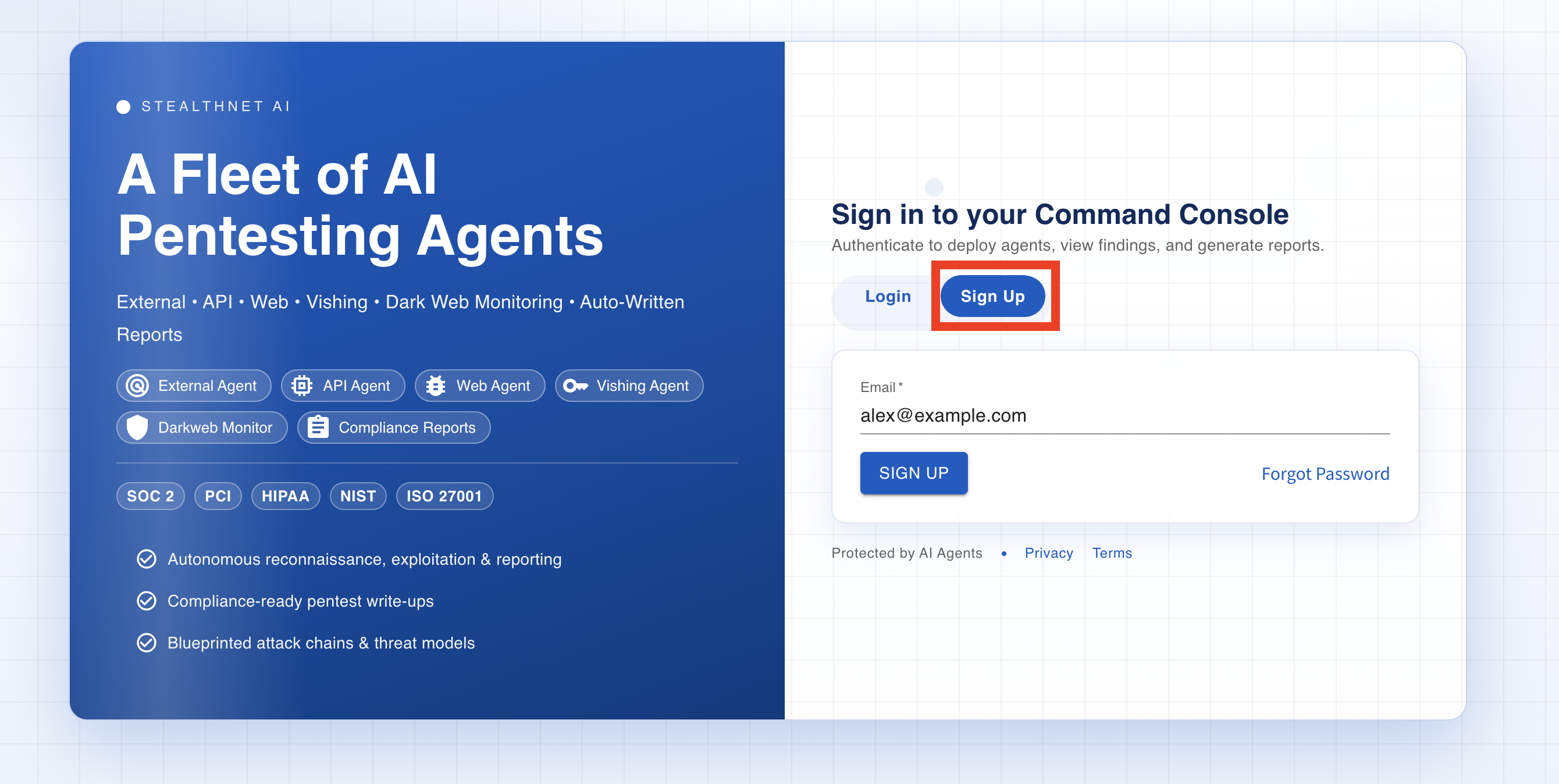
To create an account, go to our website and click on the **Sign Up** tab in the top navigation. Enter your email address in the sign-up field and submit the form. A sign-up link will be sent to your email, open that email and click the link to proceed.
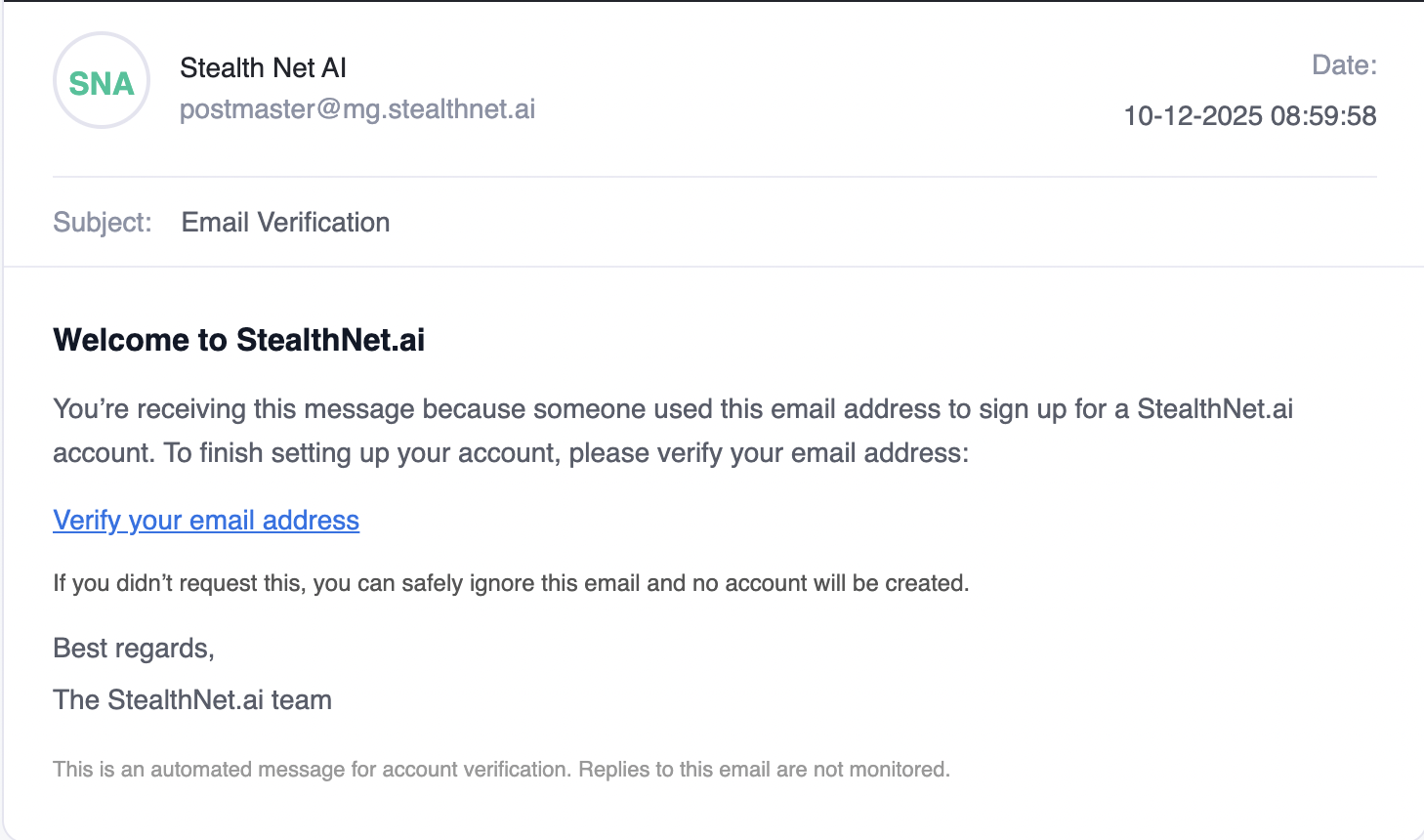
You should get an email similar to the one shown in the image below. If you don't receive the email within 1-3 minutes check your spam folder as it sometimes gets sent there. Once you get the email click on the email verification link to set up your password.
{% hint style="danger" %}
Sometimes the email goes to spam so make sure to check your spam folder and filters.
{% endhint %}
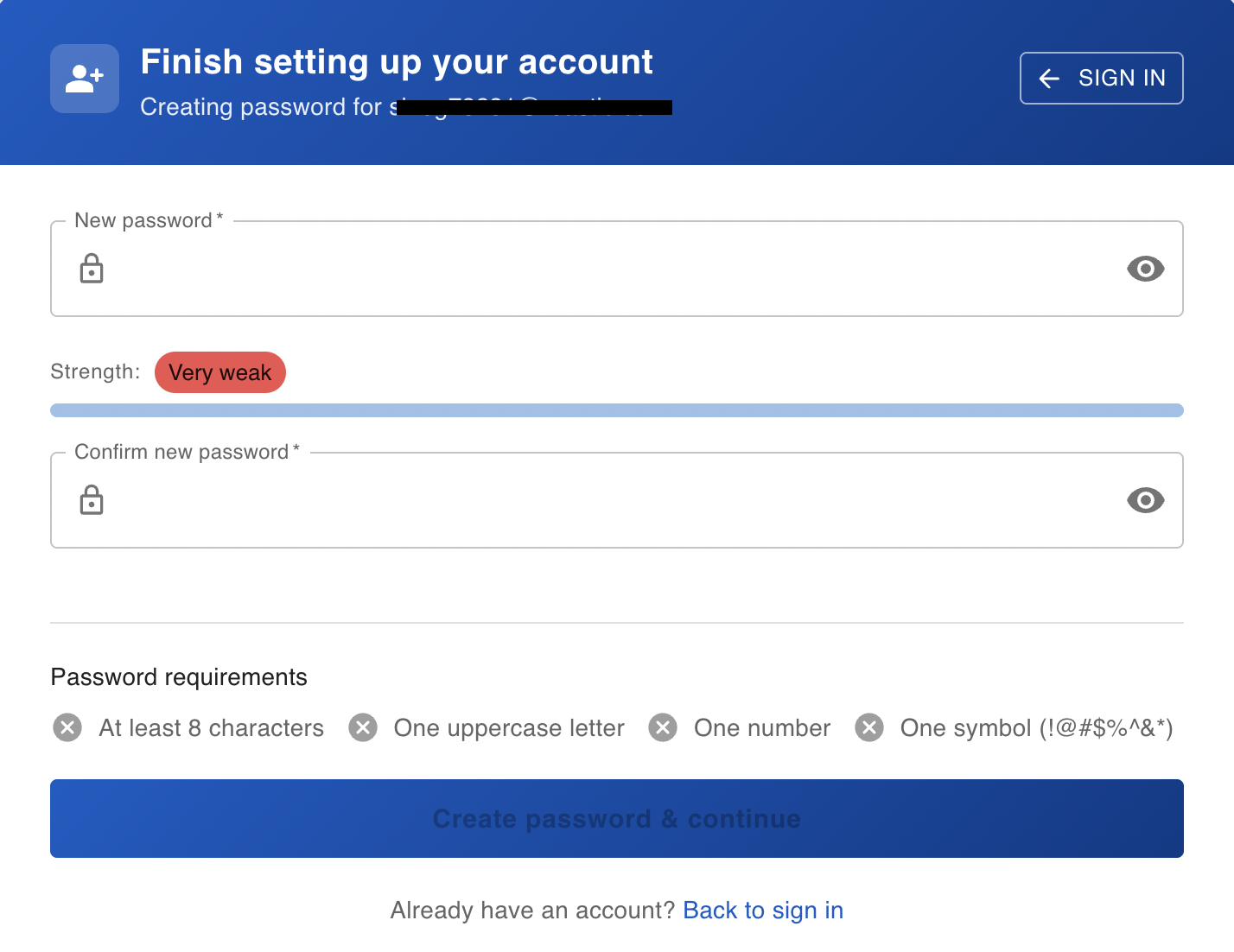
On the password setup page, create a strong password with **at least 8 characters**, including **one uppercase letter**, **one number**, and **one symbol** (for example: `! @ #`). When you’re finished, click **Create Password**. You’ll then be guided through a quick one-time demo (about 1 minute). After the demo, you’ll be taken directly into the platform.
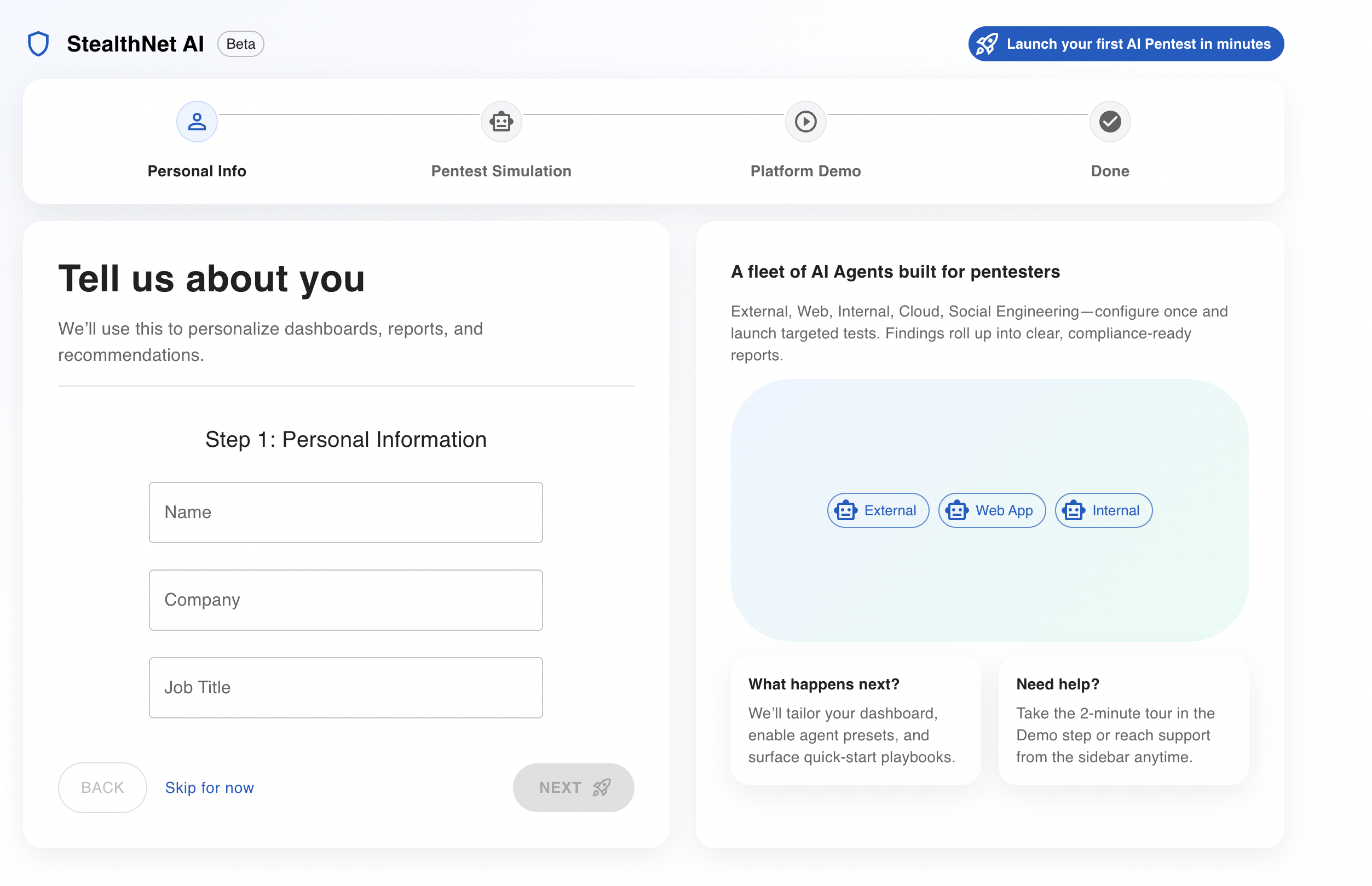
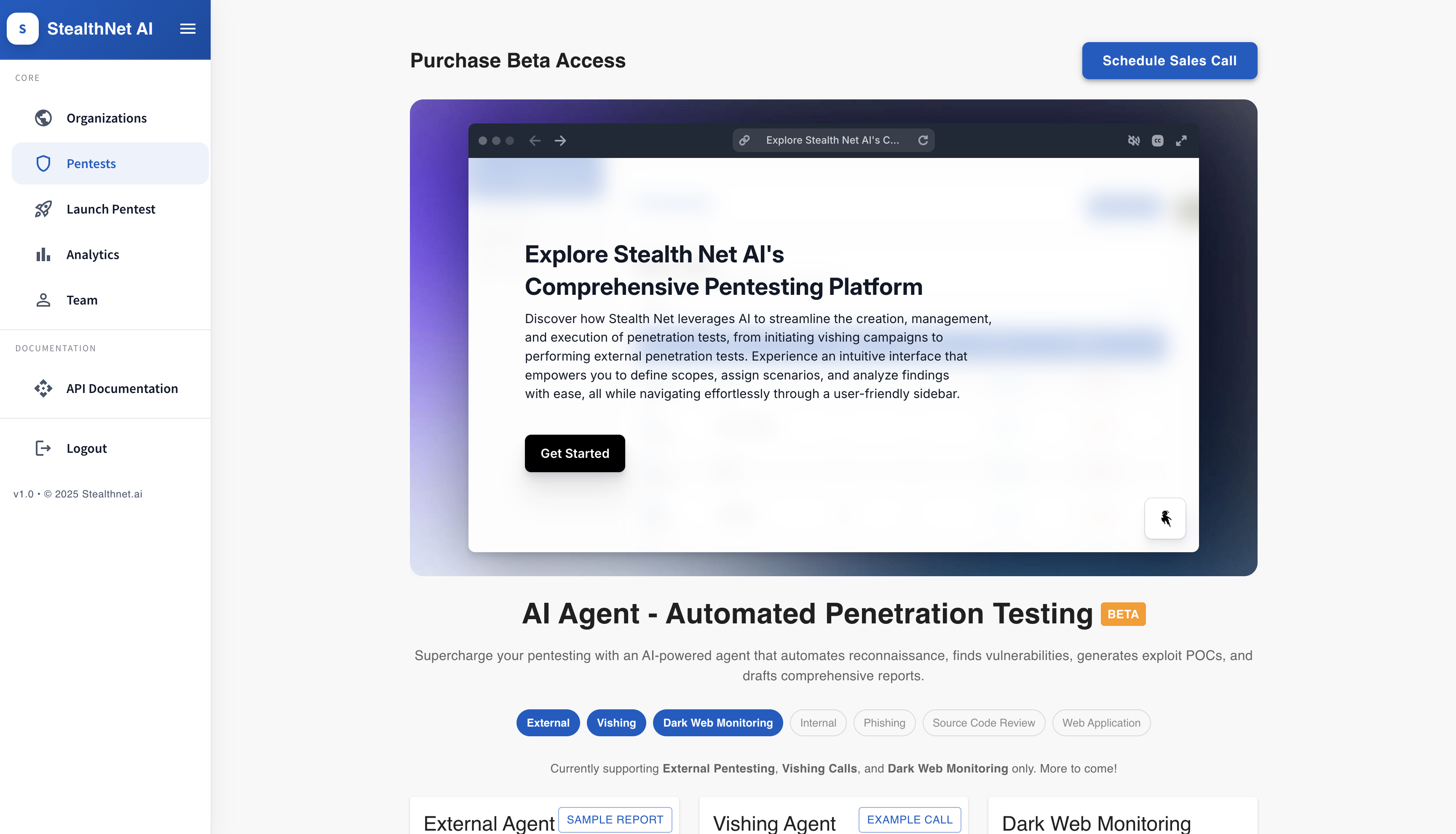
On this page, you’ll go through a quick, one-minute demo to help you get familiar with the platform. We’ll ask you a few short questions and then show you a brief walkthrough of how things work. If you prefer, you can skip this step at any time and go straight into the platform.
## Account Activation
Once you have completed the account set up process you will need to reach out to your sales rep to activate the team. If a co worker has already activated the team you can skip this step, just have them invite you to their activated team.